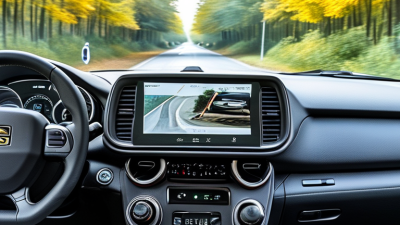
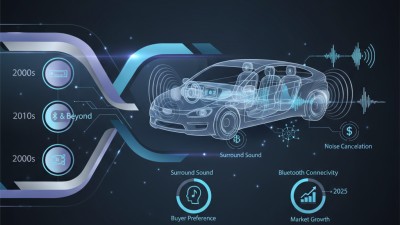
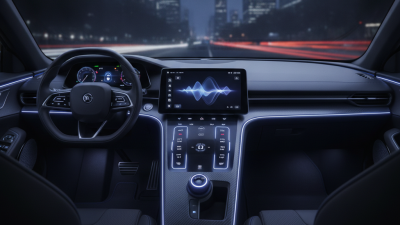
Choosing the 2026 best car entertainment system is no longer just about screen size. Global buyers must weigh smartphone compatibility, audio quality, navigation, language support, update reliability, and ease of use. A bright display can look impressive in a showroom, yet feel distracting on a sunlit road. Small details matter.
McKinsey’s 2023 survey of more than 3,000 consumers found that over 40% would consider switching vehicle brands for better in-car connectivity. That finding signals a real buyer priority, not a guarantee that every connected feature will satisfy. NVIDIA CEO Jensen Huang has described the car as “the most advanced computer on wheels.” His observation captures the direction of automotive technology, though entertainment systems still vary widely in quality and usability.
This guide compares the features that matter across markets, from responsive touchscreens to clear sound and dependable phone integration. It also considers practical differences: a system’s available apps, connectivity, and language options may vary by country and vehicle trim. Buyers should verify local specifications before choosing. There is no perfect system for everyone. A powerful feature list can still hide frustrating menus, and that deserves honest attention. The best choice is the one that works smoothly in daily driving, not merely the one with the longest specification sheet.
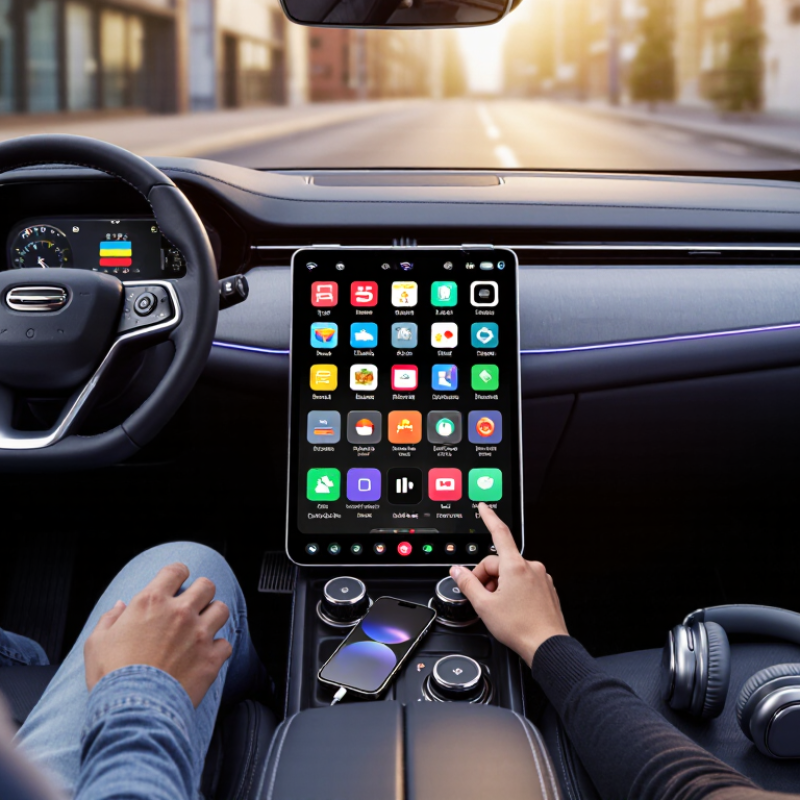
In 2026, a car entertainment system is more than a screen playing music. It combines the display, speakers, microphones, navigation, phone connectivity, voice controls, and software updates. A useful system makes these parts work together without distracting the driver. It should also handle practical details, such as clear audio over road noise and readable maps in bright sunlight. Global buyers need to check language support, local radio compatibility, and whether connected features work in their region. A feature listed in a brochure may depend on network coverage or a paid service.
Ericsson’s June 2024 Mobility Report projects 5.6 billion 5G subscriptions worldwide by 2029, roughly 60% of mobile subscriptions. This signals expanding connectivity, not guaranteed in-car coverage. That distinction matters. A system should keep essential functions usable when the connection drops; this is easy to overlook.
Tips: Before buying, test the screen with sunlight on it, pair a phone, and try voice commands while parked. Check update support and regional compatibility. Small checks prevent irritating surprises.
Some buyers may value a large display most. Yet dependable controls, balanced sound, and simple menus often matter more during everyday trips. There is no single ideal setup for every market. The best evaluation includes real use, not specifications alone.
A car entertainment system combines in-vehicle audio or video with controls and, depending on the setup, phone connectivity, navigation, and vehicle information. The best choice depends on the vehicle, local regulations, passenger needs, and desired installation effort.
| System Type | Typical Components | Phone and Media Connectivity | Vehicle Integration | Installation and Compatibility | Best Suited To | Main Trade-Off |
|---|---|---|---|---|---|---|
| Factory-integrated infotainment | Dashboard display, audio controls, vehicle menus, and—in some vehicles—navigation or voice control. | May support Bluetooth, USB media, and smartphone projection; available functions vary by vehicle and trim. | Usually designed to work with vehicle settings and controls; the exact functions depend on the vehicle. | Installed as part of the vehicle. Replacement or modification may require vehicle-specific parts and professional work. | Buyers who prioritize a cohesive cabin interface and built-in vehicle controls. | Features and upgrade options are determined by the vehicle configuration. |
| Aftermarket dashboard receiver | Replacement receiver with a display or audio controls; some models include navigation or phone-projection functions. | Connection options can include Bluetooth and USB. Wireless projection is available only on compatible receivers and phones. | Some vehicle controls can be retained with suitable interfaces; compatibility is not universal. | Requires checking the dashboard opening, wiring, vehicle features, and local installation requirements. | Owners seeking updated media or connectivity in a vehicle with a replaceable receiver. | Fitment, retained controls, and installation complexity vary substantially by vehicle. |
| Portable dashboard display | Separate screen mounted on the dashboard or windscreen, typically paired with a power connection and audio output. | May connect to a phone by Bluetooth, Wi-Fi, or cable, depending on the unit; features differ by model. | Generally has less direct access to vehicle settings than an integrated system. | Often avoids replacing the factory receiver, but mounting position, power supply, and local visibility rules need consideration. | Drivers who want an additional display without a major dashboard replacement. | Can add visible cables or mounting hardware and may not integrate with factory controls. |
| Rear-seat entertainment | Headrest-mounted or ceiling-mounted screens, sometimes with headphones or separate media inputs. | Media may come from connected devices, removable storage, or supported wireless connections; options vary. | Usually focuses on passenger media rather than dashboard or vehicle-control functions. | Portable units can be moved between vehicles; permanently installed screens may require wiring and professional fitting. | Families and other buyers who want passengers to watch or listen independently. | Does not replace the front-seat infotainment system; safe use should not distract the driver. |
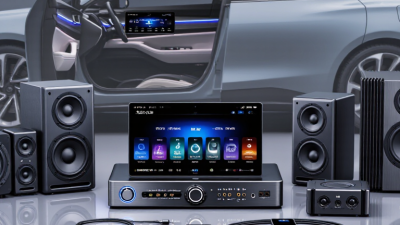
| Audio-focused upgrade | Receiver, speakers, amplifier, or subwoofer upgrades, used individually or in combination. | Media connectivity depends mainly on the receiver and connected source; audio components alone do not add phone features. | Can retain the existing display and controls when the upgrade is limited to speakers or amplification. | Component selection must account for available space, power, wiring, and the vehicle’s existing audio system. | Listeners who prioritize sound quality over adding screens or navigation features. | Improving sound may require several compatible components and careful installation. |
Global buyer checklist: Confirm phone and system compatibility, supported languages, regional navigation coverage, local radio-band support, power and connector requirements, vehicle fitment, warranty terms, and applicable laws on screens and driver distraction. Features vary by vehicle and individual system; verify specifications before purchase.